
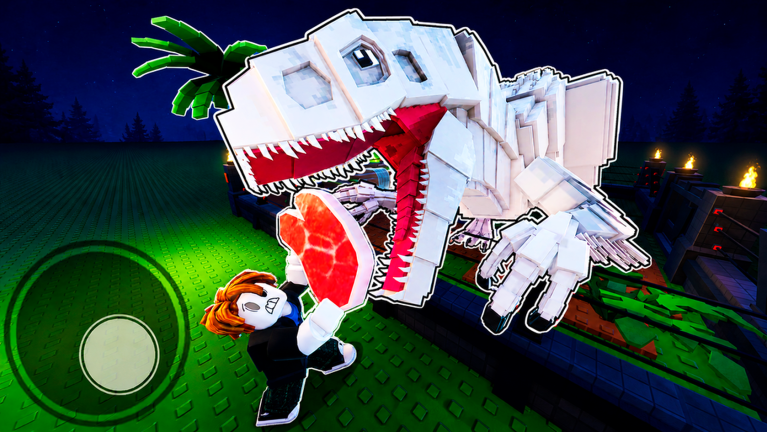
Platform Table
My Dino Park is a Roblox experience, not a standalone downloadable game. The practical platform rule is simple: play through Roblox and use the official page as the entry point. The IDs below are useful when search results or social posts make the game identity unclear.
The created and updated dates come from the public Roblox game API at research time. They should be treated as identity and freshness fields, not as a full patch log. For code and reward changes, use the Updates and Codes pages because those change more often than platform facts.
| Field | Value |
|---|---|
| Platform | Roblox app: PC, mobile, and supported console play |
| Root place ID | 80701570784699 |
| Universe ID | 10059591740 |
| Created | 2026-04-20 |
| API updated date checked | 2026-07-05 |
| Max server size | 6 |
Play Safely
Use the official Roblox page to play. Do not install APKs, scripts, or executors that claim to unlock My Dino Park rewards. Codes are redeemed in the in-game Store and rewards are tied to the Roblox experience, not an external installer.
If you are on mobile or console, the layout of the Store button and redeem field may differ slightly, but the safety rule is the same. You should never need to leave Roblox to claim a My Dino Park gift code. If a page sends you to a download or asks for account access, close it and return to the official Roblox experience.
Release Context
The public API creation date shows the experience is new enough that guides can become stale quickly. A July 2026 code article may be useful; an undated tier list is weaker. Always compare the page title, update label, and creator before trusting older advice.
For launch and update monitoring, the stable fields are place ID, universe ID, creator group, and current Roblox title. Use those fields to separate this game from other dinosaur park games that share similar names but use different codes and progression systems.